As the leading virtual marketplace for consumers getting an array of products, ranging from groceries and electronics to fashion. It is the unconventional, virtual version of your local Brick and mortar shop which has everything you need with just a click away. With a user friendly interface and fast delivery systems for its users, making shopping experience easier from the comfort of your home.
Features
- It has a vast selection of categories from electronics, grocery, fashion, beauty, home goods, furniture and pharmacy among other things.
- The shopping is just a one click away with a wide range of selections with easy returns/exchange.
- There is a review section where users can give their ratings and remarks for the product.
- In case of any query regarding the order, there is an assistance (virtual and telephonic) in the application.
- There is a special section for its Prime Users, giving them 2 day guarantee delivery on eligible products, exclusive deals and free subscription for streaming services like Amazon Prime, Amazon Prime Music.
- It has a platform called Amazon Marketplace for small vendors and businesses to reach a larger audience.
- The kindle app will provide millions of e-books, novels, magazines and audiobooks for its users.
Installation Process
The installation process of Amazon Shopping app for iOS, Windows and Android.
For iOS (iPhone/iPad)
Open App Store.
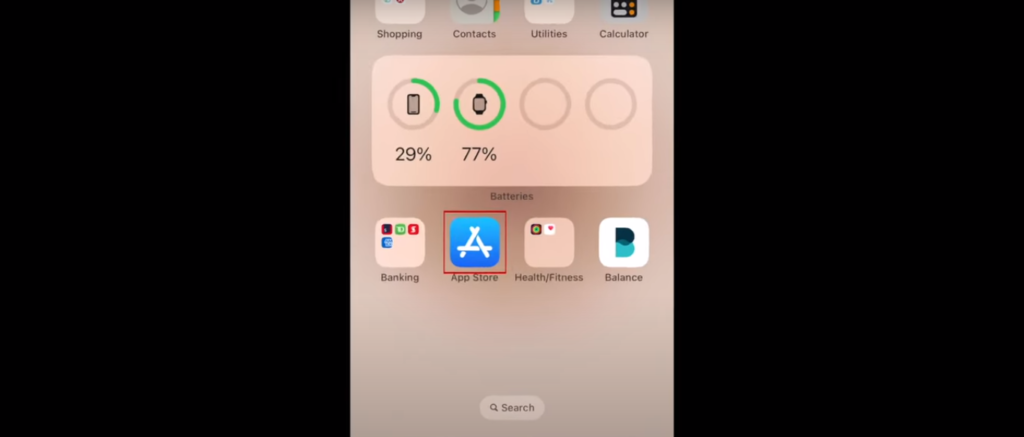
After opening App store, type “Amazon shopping app” on the search bar.
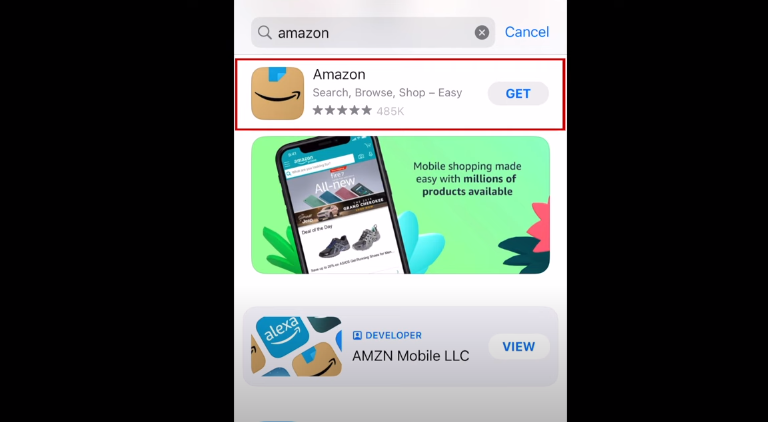
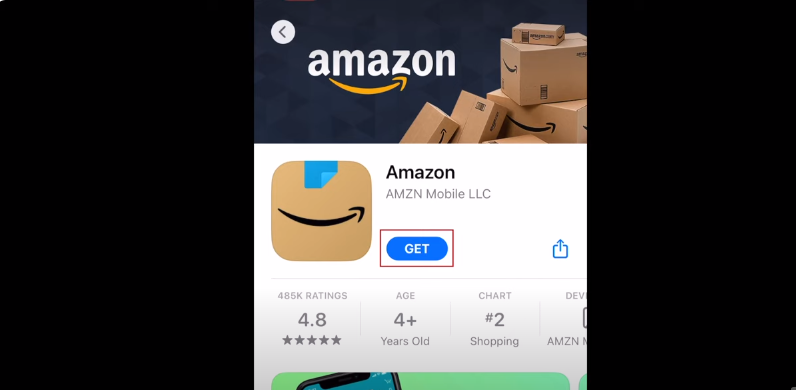
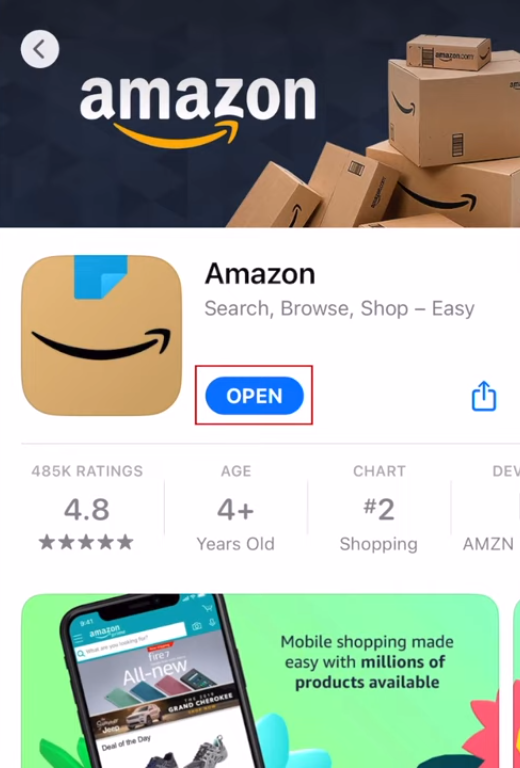
Tap on “Get” on the Amazon app and open it.
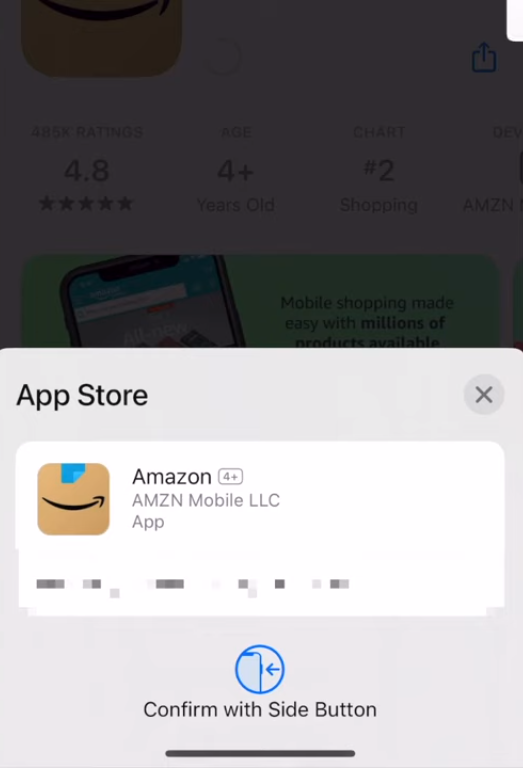
Install the app by Pressing the side button.
Tap on “open” after installing the app and put in your credentials.
For Windows:
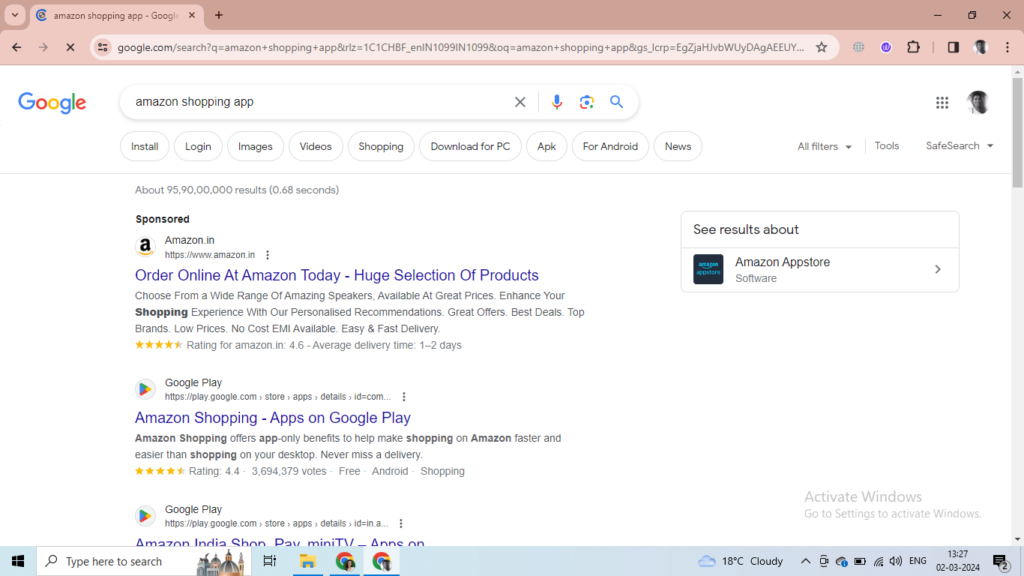
Open google chrome, Firefox or edge in your PC and type “Amazon Shopping App” in the google search and select the first link.
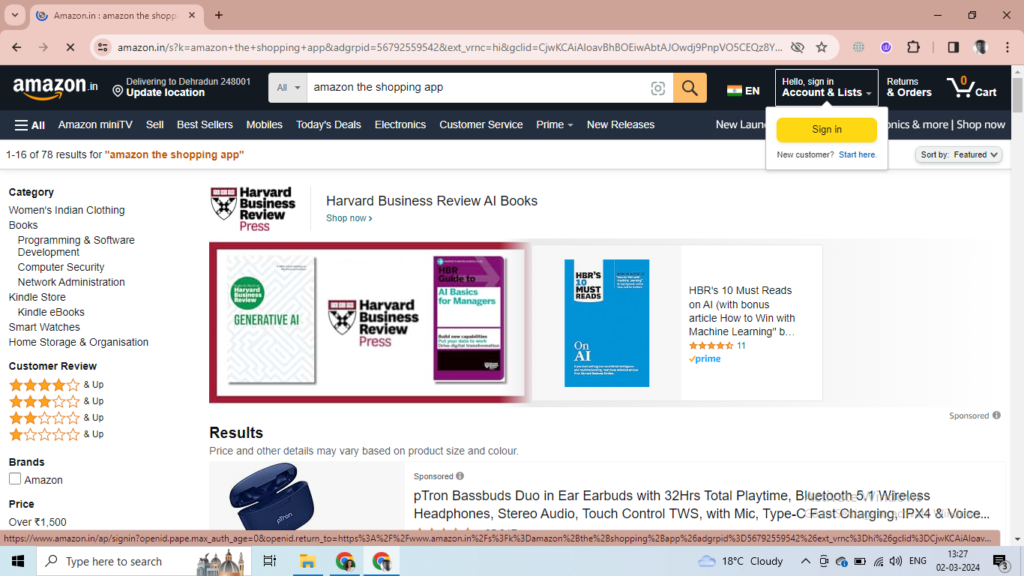
Select on the top Left corner and click on Sign in.
Tap on “Create your Amazon account” on the bottom.
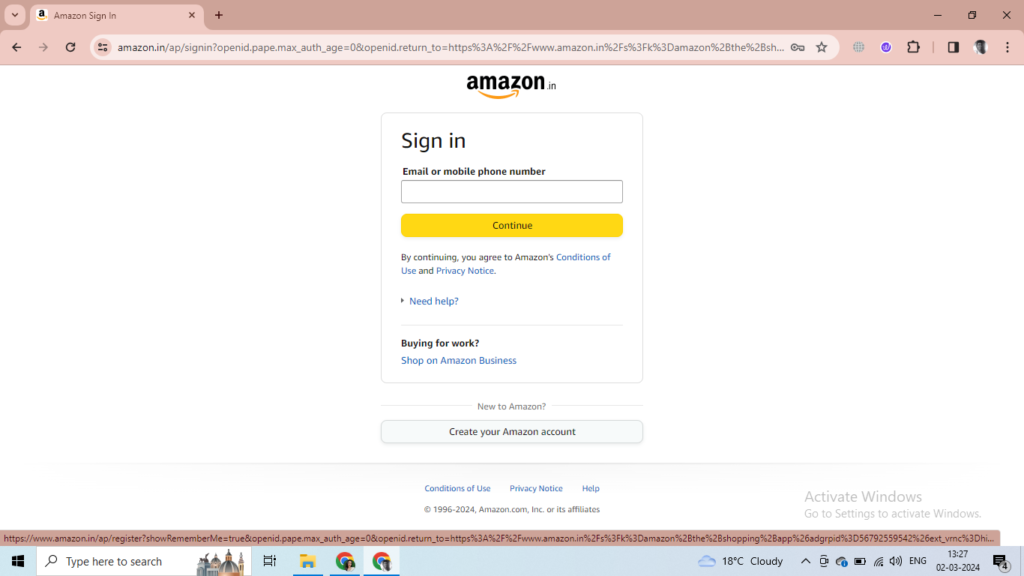
Fill in your credentials like your name, phone number and set a pssword.
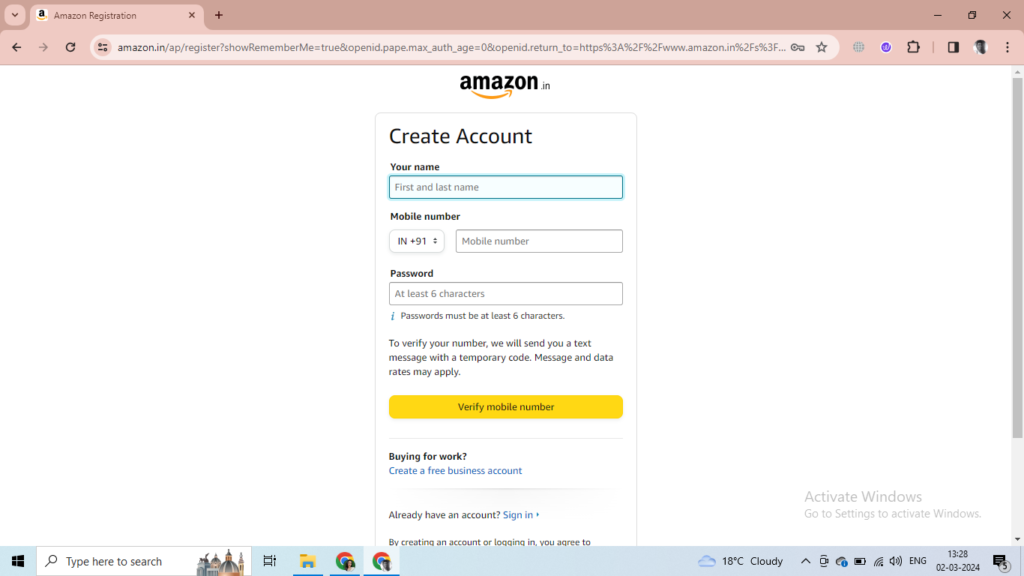
After creating your account, you can sign in and you will have access to Amazon Shopping app.
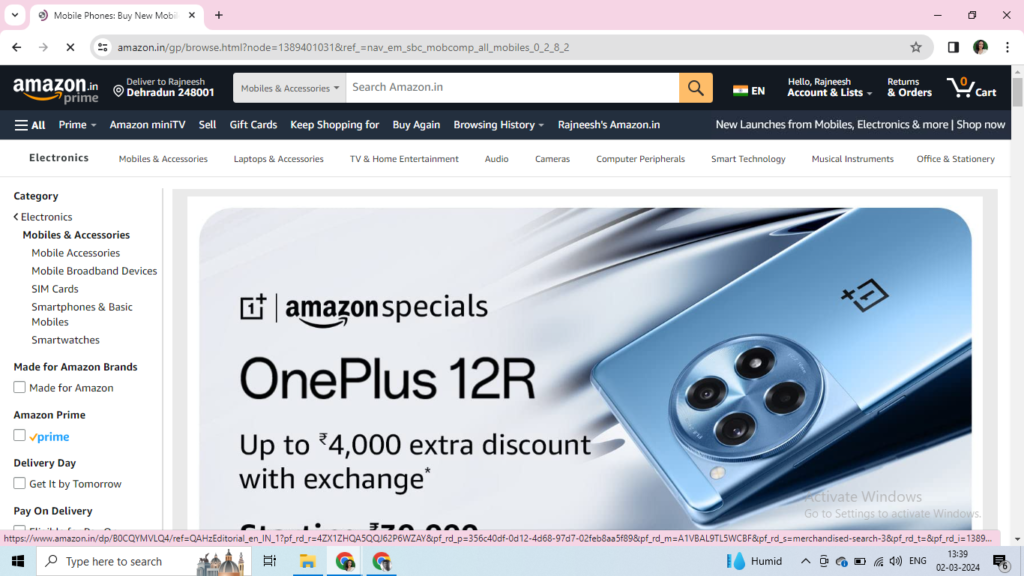
For Android (Phone/Tablets)
Open Play Store on your device.
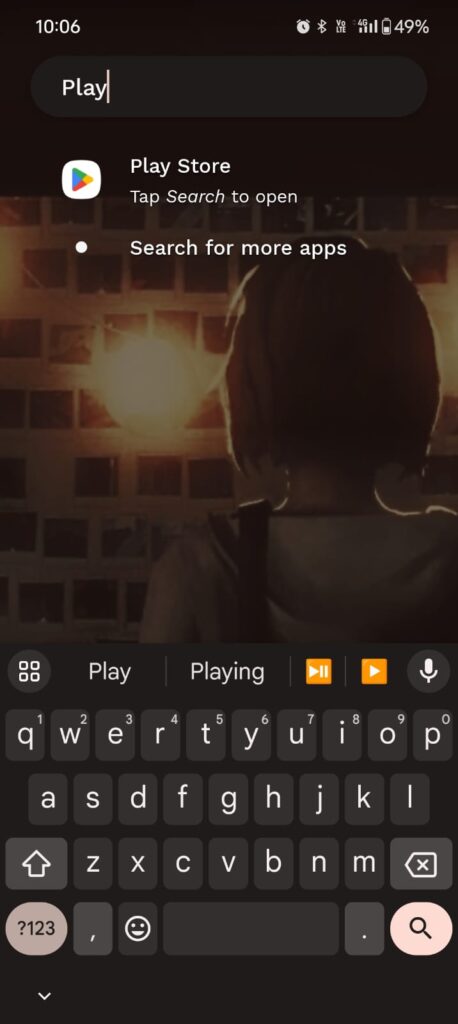
After opening Play Store, type “Amazon”
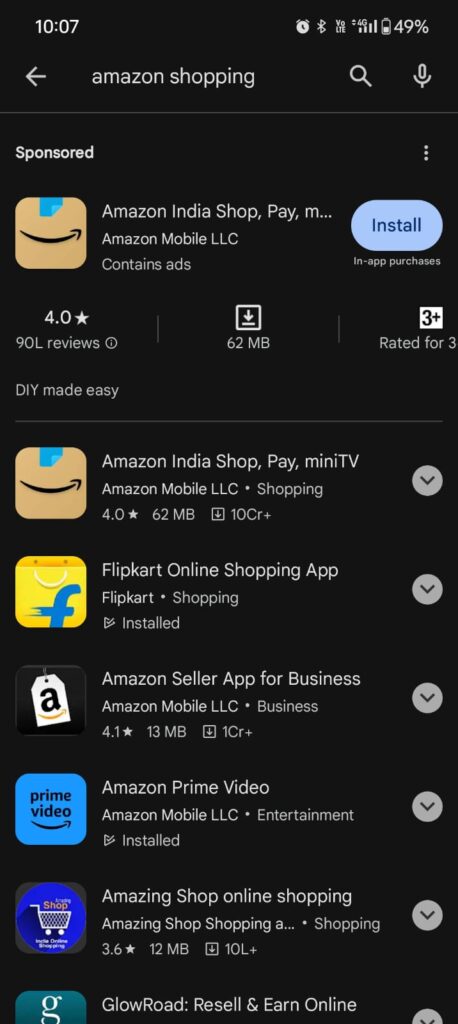
Install the app on your device and fill in your credentials to log in.
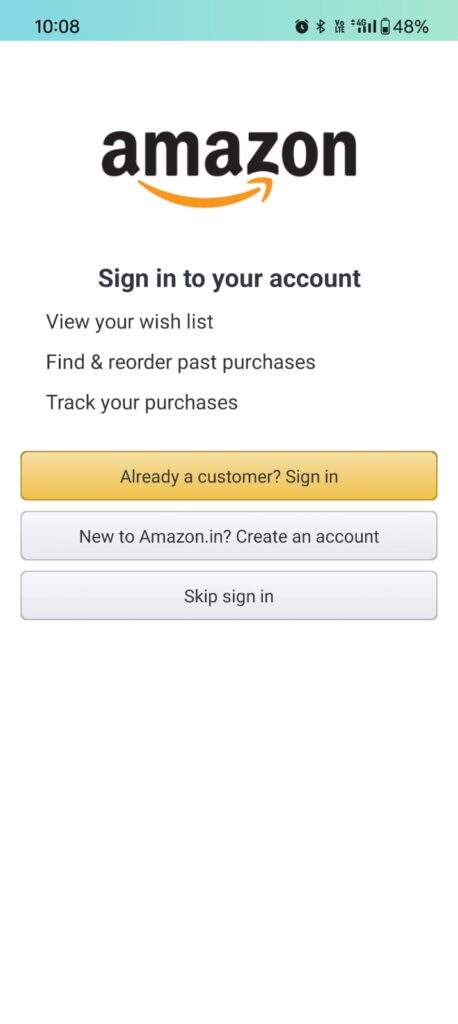
After Signing in, you can search for any product of your desire.
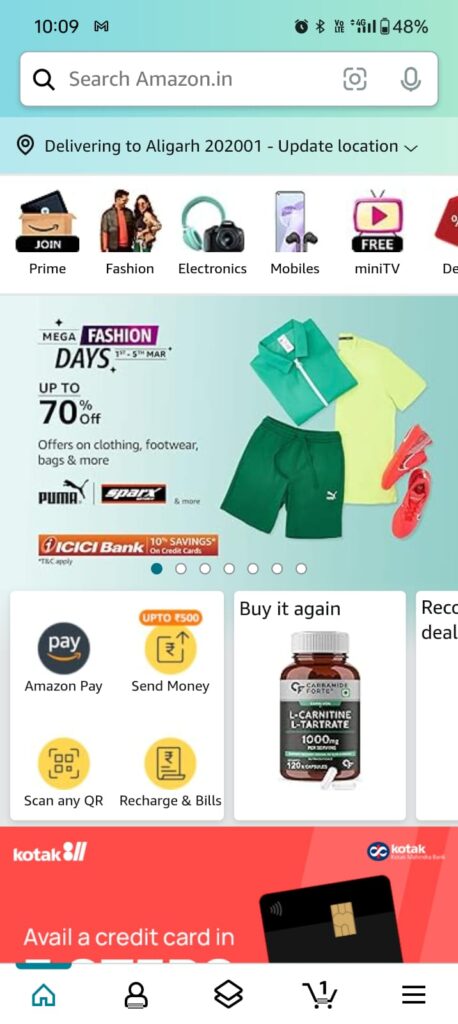
How to use the Amazon shopping app?
Suppose, you are looking for a new phone. Type “phone” on the search box on the top.
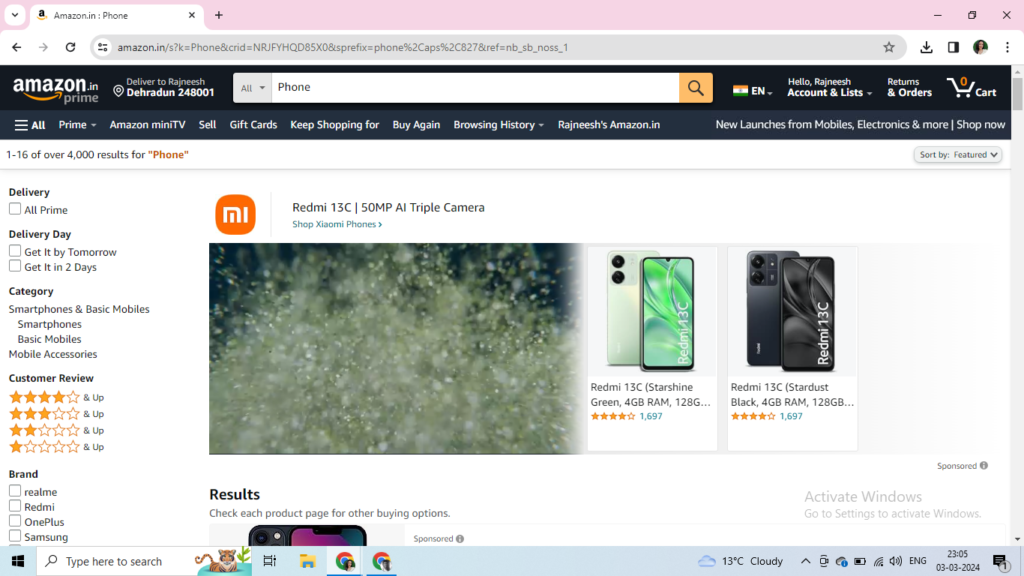
There are multiple option on your display, to get the desired product you can filter out from “Brands”
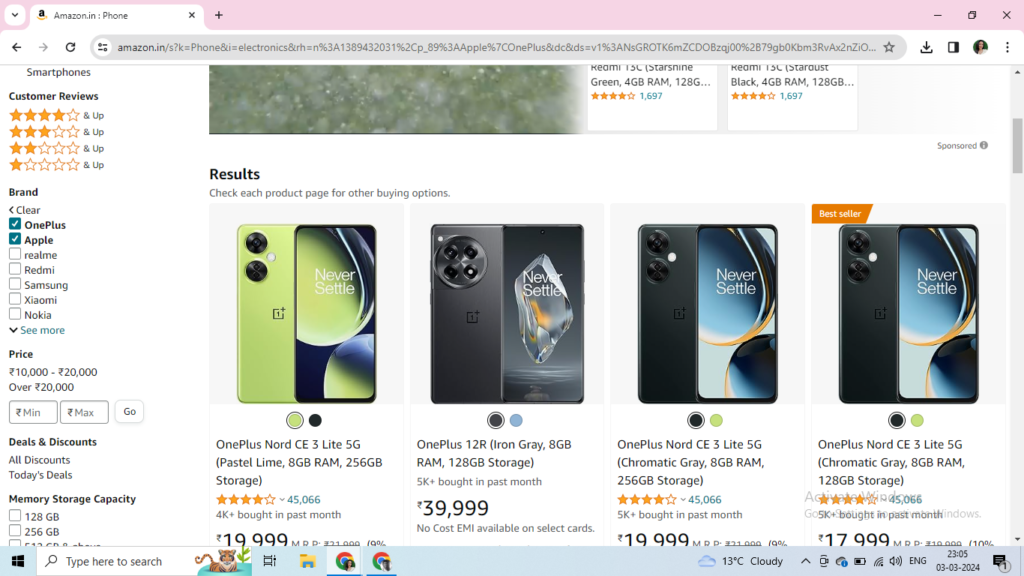
Select your desired product, for instance you like “One Plus 12R”, select the phone.
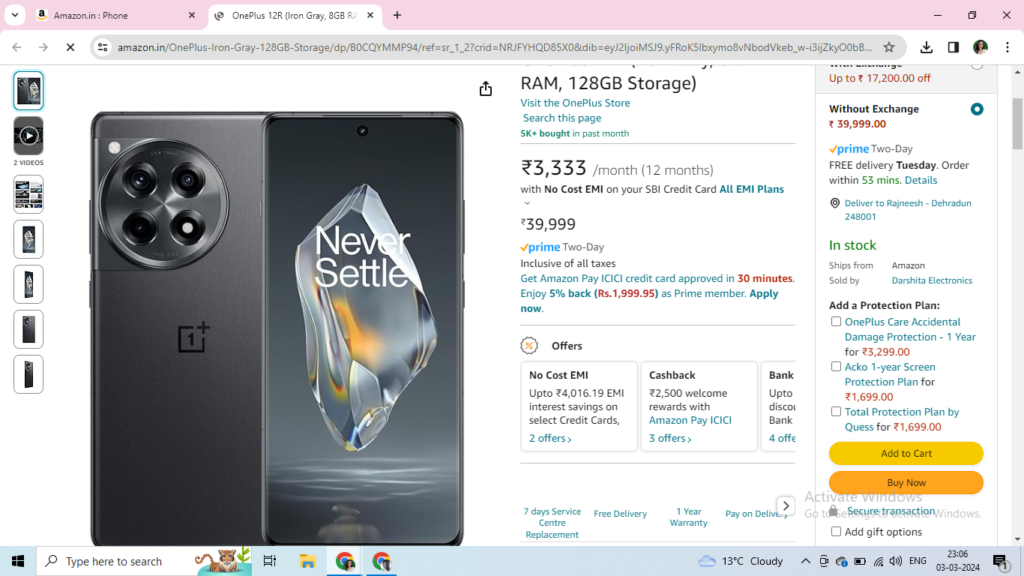
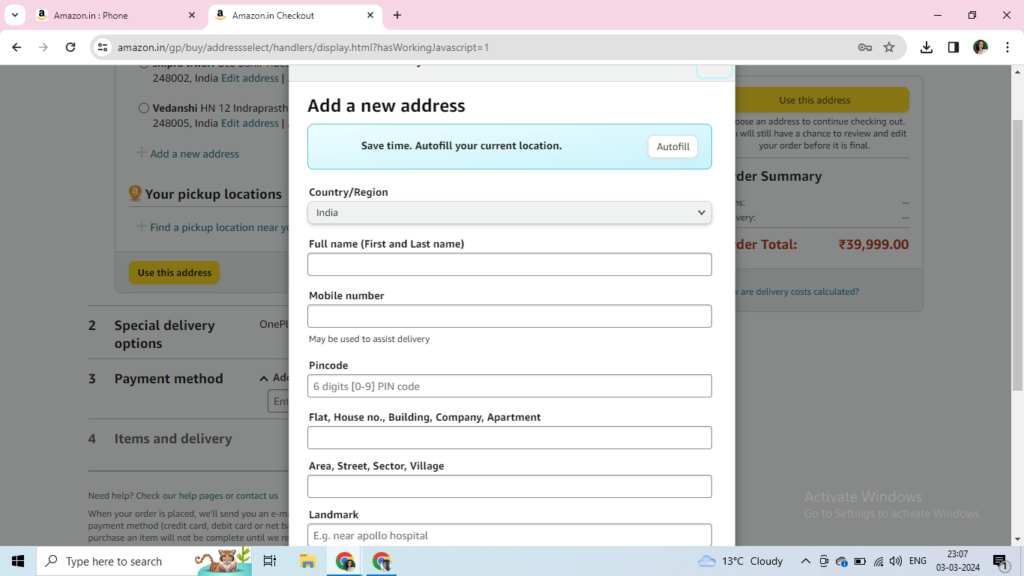
Tap on “Buy now” and type in your address.
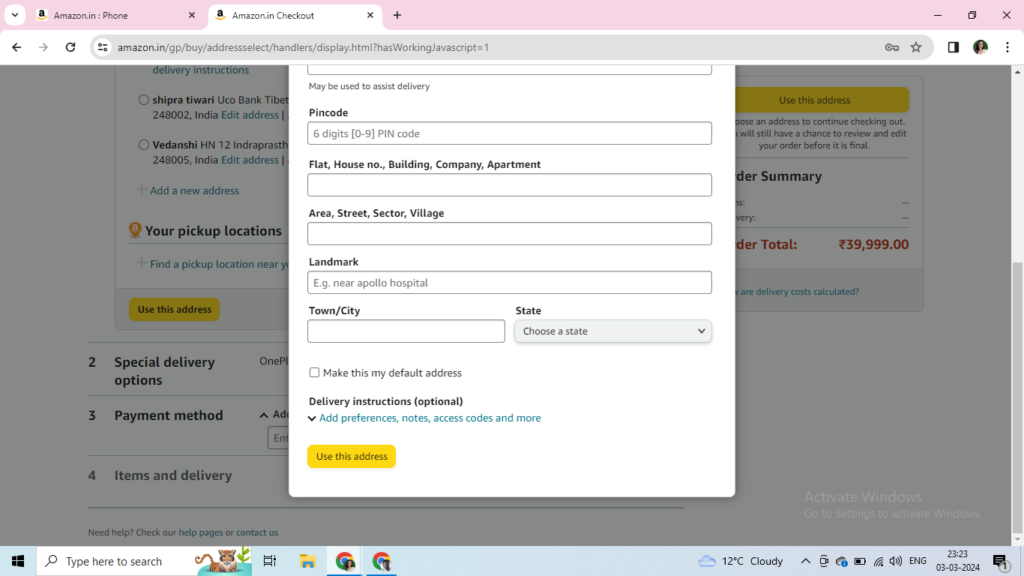
Tap on payment method and select the payment mode of your choice.
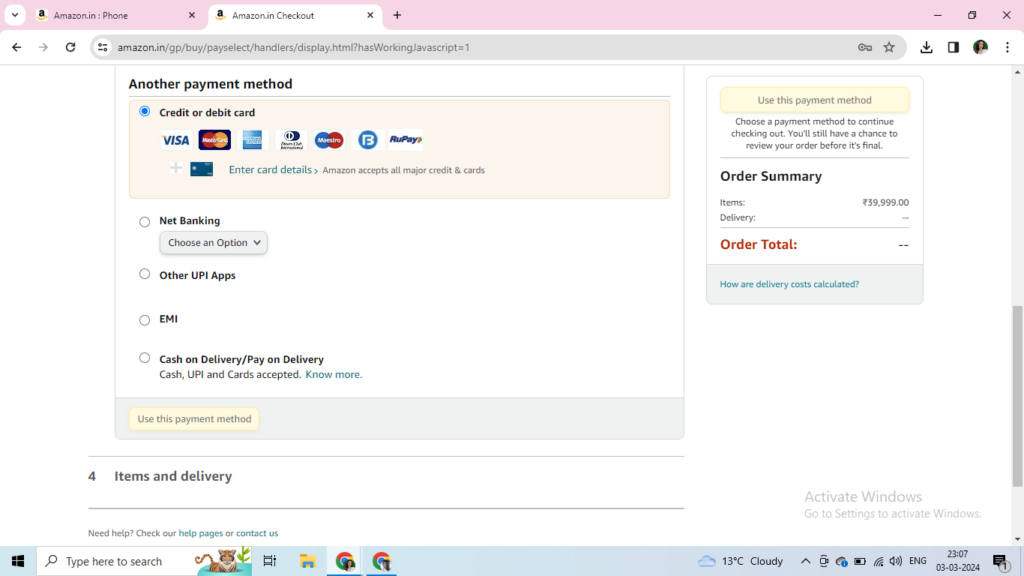
Finally, after putting the details of your desired payment mode, you can place in the order.
Leave a Reply